PURPOSE:
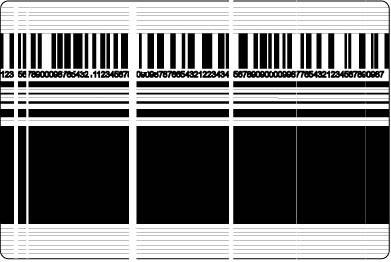
Test the label printer print quality and identify whether the printer requires maintenance.
TOOLS REQUIRED:
Zebra printer plugged into a power source.
PROCEDURE:
If the printer is turned on, turn off the printer by pressing the button at the back of the printer to power-off state.

Wait for the printer to power off.
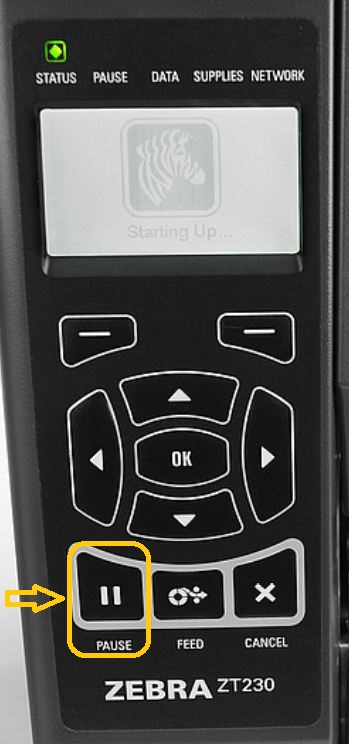
Turn on the printer while holding the PAUSE button, keep holding the PAUSE button for ~10 to 15 seconds..
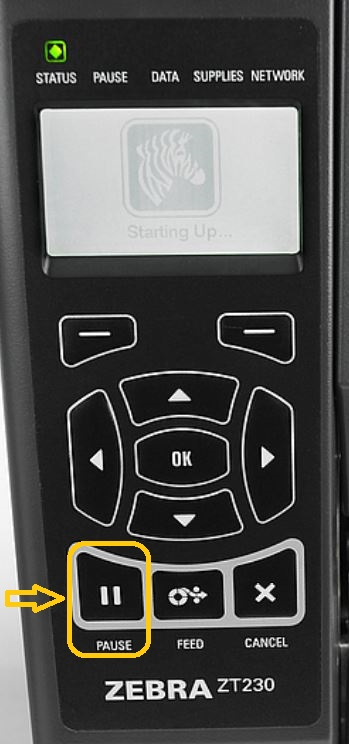
Release the pause key and wait for the printer to print the test label.
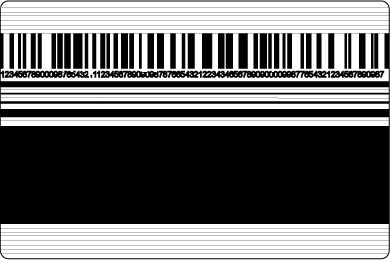
Press the pause button once you see the test label printed out.
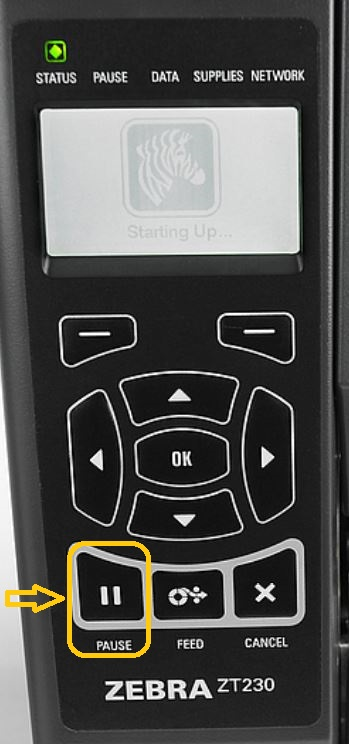
Hold the cancel button for ~5 to 8 seconds to cancel the job.
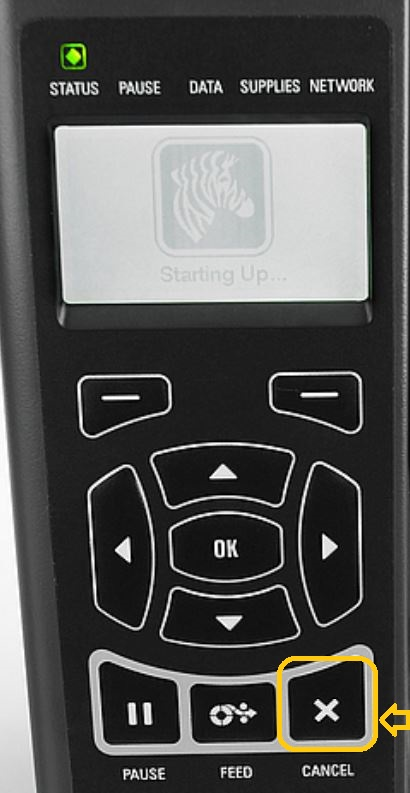
Once the job is canceled, press the pause button again to unpause the printer.
Good LABEL
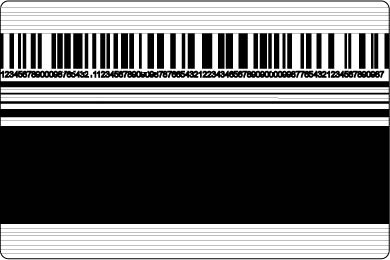
Bad LABEL